If you create a new Pull Request on the Git repo for your site, Appwrite Sites will create a preview deployment that you can view and test before promoting to production.
Preview deployments are private. Opening one requires an Appwrite account that belongs to the organization the site belongs to, so a preview link only works for people you have invited to that organization.
Visit preview deployments
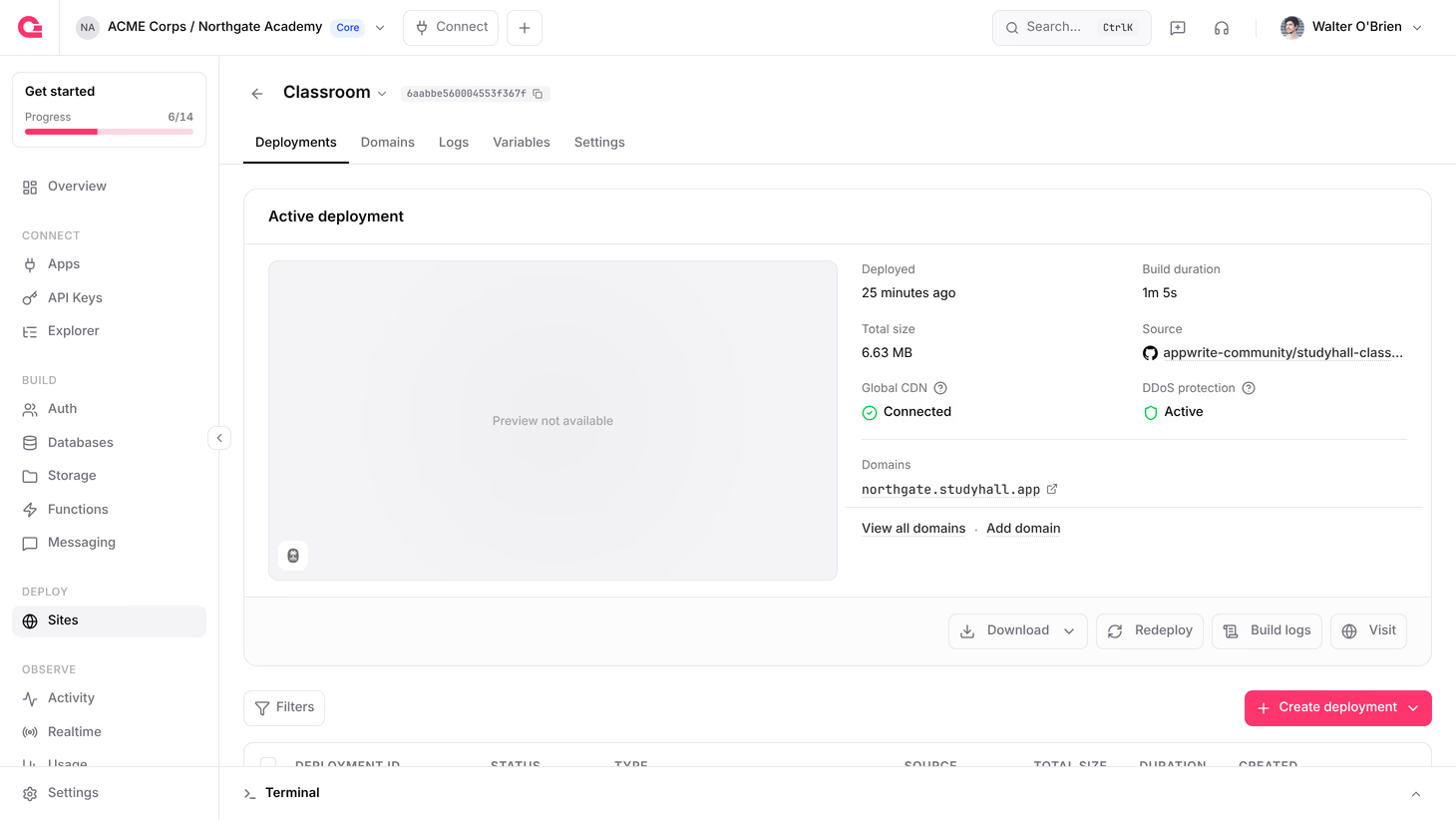
To access a preview deployment, follow these steps:
- Navigate to your site on Appwrite Console.
- Under the Deployments tab, click on a ready deployment.
- Click on the Visit button. This preview URL is also visible under the Domains section.
Authorize a preview deployment
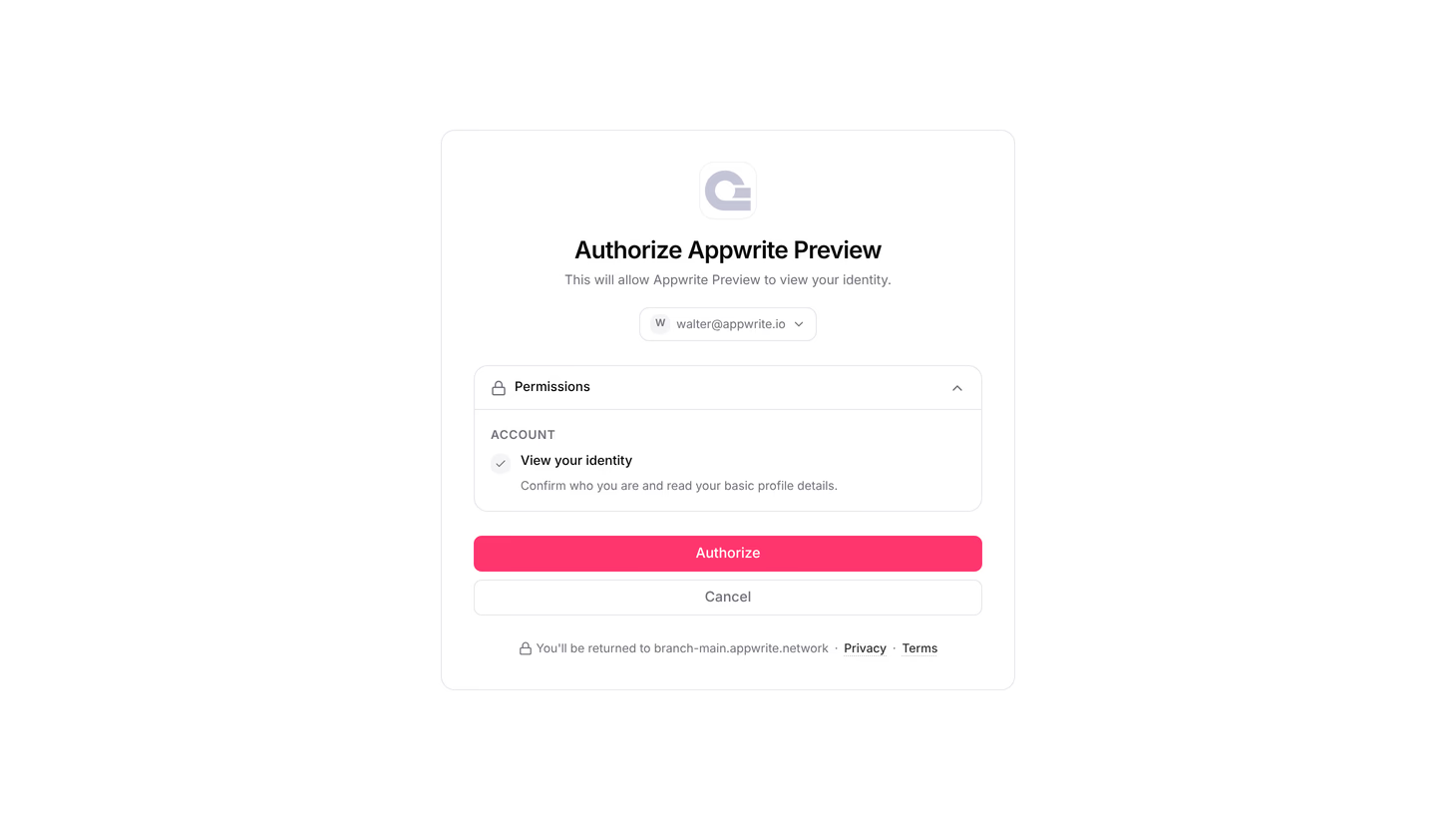
Deployments created by automatic Git deployments require you to authorize your account before the preview opens. There is nothing to configure on your site or project to enable this.
The first time you open a preview deployment in a browser, Appwrite asks you to authorize Appwrite Preview. The screen shows the account you are signed in with and the single permission it needs, View your identity, which confirms who you are so Appwrite can check your organization membership.
- Confirm the account shown is the one that belongs to the site's organization. Use Switch account if it is not.
- Click Authorize.
- You are returned to the preview deployment.
If the account you authorize is not part of the organization, the preview reports that it is private instead of opening. Ask a member of the organization to add you, or authorize with an account that already has access.
Deployments for GitHub
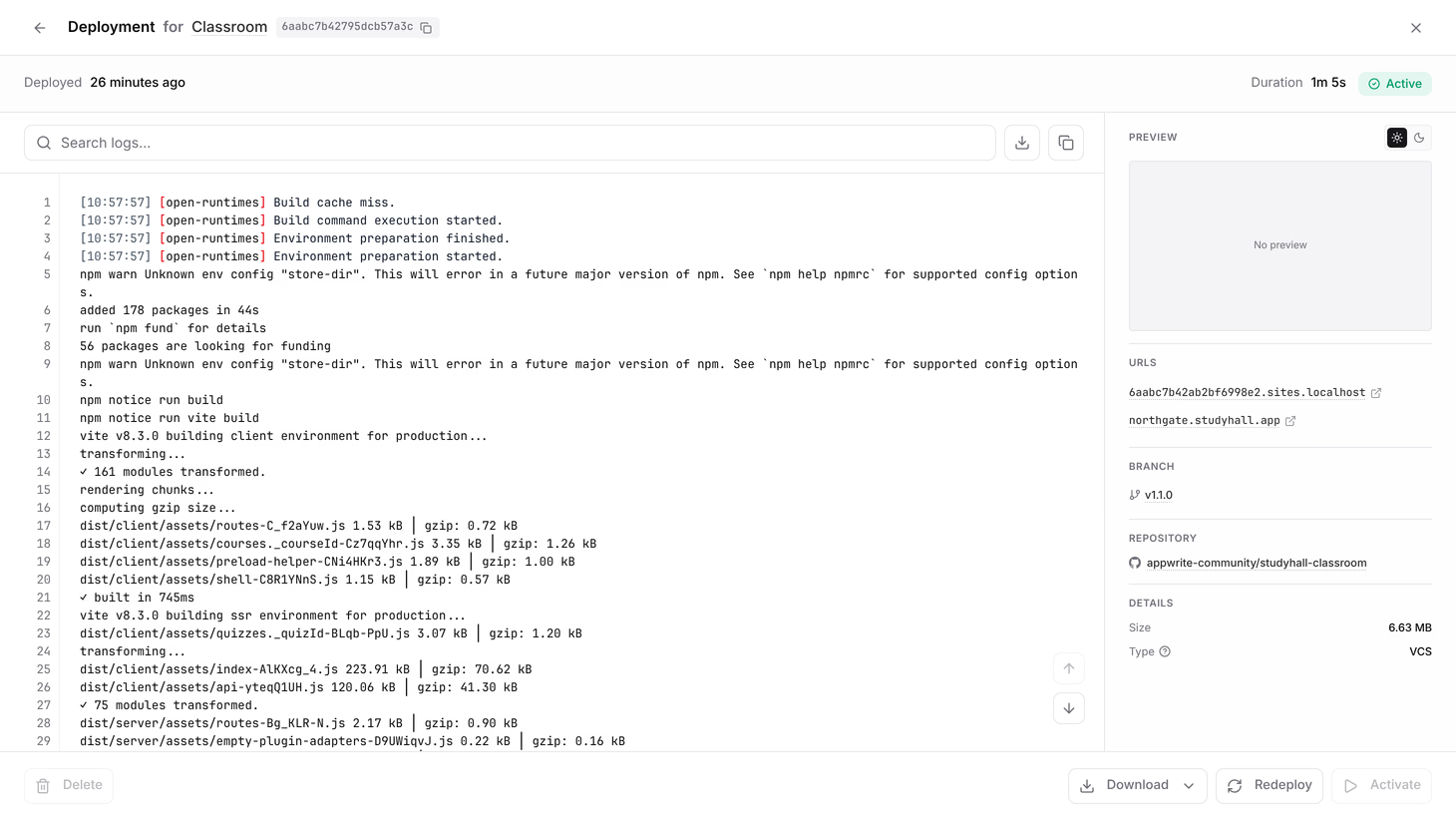
Aside from the preview URL, Appwrite also generates a URL for the branch and commit that your site has been deployed from. To access these URLs, head to the Deployments tab of your site and click on any deployment created through the Git integration. The panel lists them under URLs.
You can also open the deployment itself to see the branch, repository, and commit it was built from. Click any deployment in the Deployments tab, and the panel on the right lists the Branch, Repository, and Commit.
Was this page helpful?
Share what worked or what we should fix. Once approved, our agents automatically apply suggested updates to the docs.